

Peter studied hearing aid fitting at the world headquarters of Starkey Labs. He was able to have hands on training with the company’s founder, Bill Austin. He has also undergone advanced training in the smallest, nearly invisible style hearing aids, and has expanded his education by traveling to Denmark to learn directly from European hearing aid manufacturers. He continues to attend conferences and training seminars to stay current on the rapidly evolving world of hearing aid technology.
Latest posts by Peter Lucier, HIS (see all)
- Why You Shouldn’t Choose Hearing Aids Based on Price Alone - May 27, 2026
- Signs You Need Better Hearing Protection - May 14, 2026
- Nutrition’s Role in Preventing Hearing Changes - May 5, 2026
Waking up to a silent hearing device creates a sense of frustration that can ruin an entire morning. Many people assume that a quiet device means the internal computer has failed or that the hardware requires a full replacement.
In reality, several external factors often cause these issues, and most of them have simple fixes that happen right at home. Before rushing to an appointment, a few logical checks can save time and energy. It helps to approach the situation with a calm mindset since most technical glitches result from small obstructions rather than major mechanical breakdowns.
Check the Power Source First
The most common reason a device stops working involves a simple lack of power. Even if the batteries seem new, a single faulty cell can prevent the entire system from starting up correctly. It is wise to swap the current battery for a fresh one from a completely different pack to rule out a bad batch.
For those using rechargeable models, ensuring the contacts on both the device and the charger are clean is a great move. Dust or skin oils often create a thin layer that blocks the flow of electricity during the night.
Look For Wax Obstructions Clearly
Earwax serves a purpose for the body but acts as a major enemy for high-end technology. A tiny amount of buildup often clogs the receiver or the wax guard, which completely blocks sound from entering the ear canal. Most devices come with a small brush or a specialized tool designed to clear away this debris without causing damage.
Replacing the wax filter is a standard maintenance step that resolves nearly half of all performance complaints. Taking a close look under a bright light helps identify these stubborn blockages that might seem invisible at first glance.
Clear Away Hidden Moisture Issues
Moisture represents another frequent culprit that mimics the symptoms of a broken device. Humidity from the air or perspiration from daily activity can settle inside the delicate tubing or the battery compartment. This condensation creates a temporary short circuit that makes the sound cut in and out or stop entirely.
Placing the equipment in a dedicated drying jar or a dehumidifier overnight often pulls that liquid out and restores full function. This simple habit keeps the internal components dry and prevents the corrosion that eventually leads to permanent damage over several years of use.
Inspect the Physical Tubing Condition
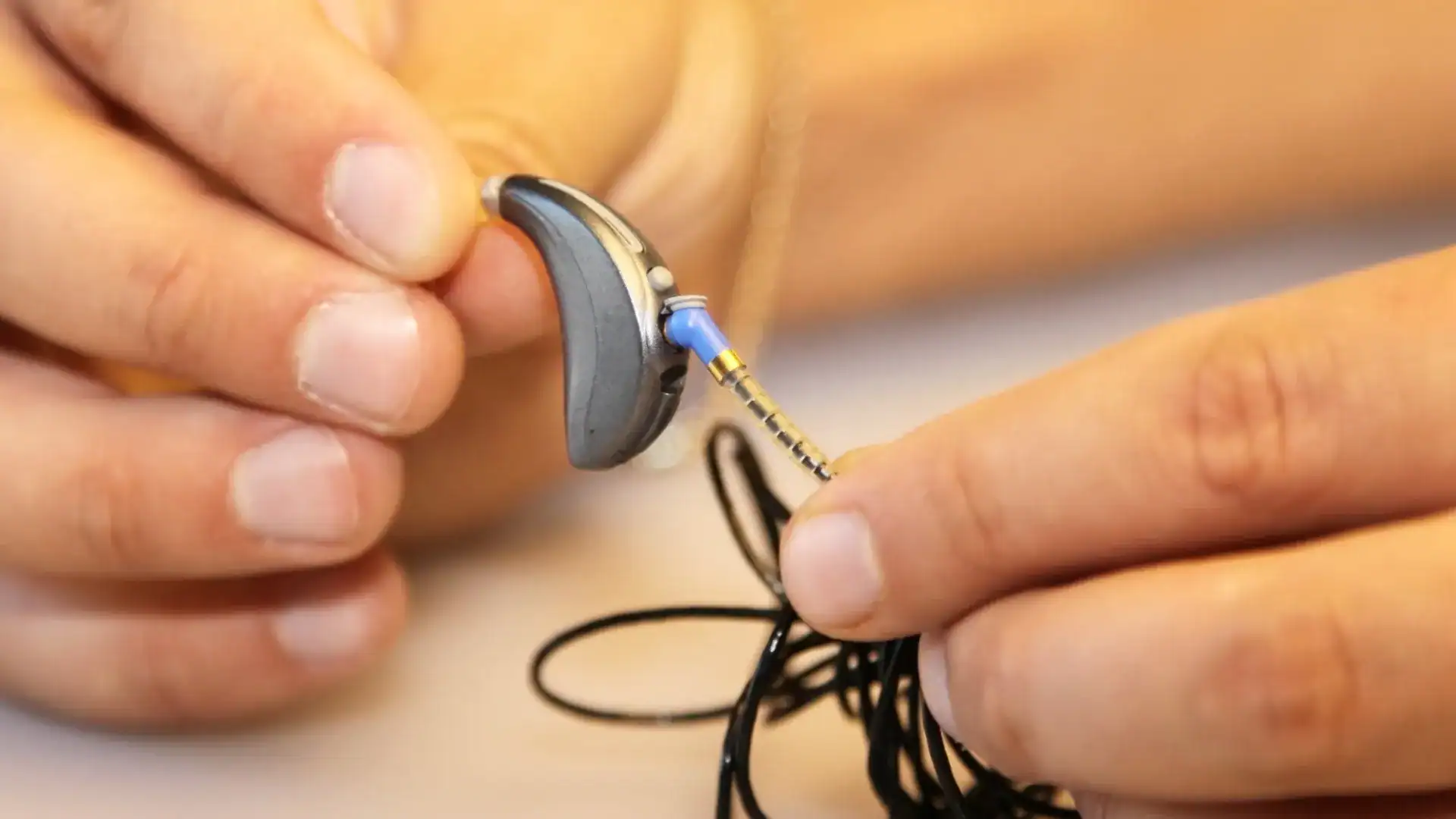
Over time, the plastic tubing that connects different parts of the device can become stiff or cracked. When the material hardens, it no longer creates the airtight seal necessary for clear sound transmission. Small kinks in the line also prevent the signal from reaching the ear, leading the wearer to believe the volume has failed.
Checking for moisture bubbles or yellowing in the tube provides a clear sign that a simple part replacement is necessary. Keeping a spare set of tubes at home allows for a quick fix that keeps the sound quality crisp and consistent.
Reset the Software Settings Quietly
Sometimes the issue exists within the digital settings rather than the physical hardware. An accidental press of a button might have changed the program to a telephone setting or lowered the volume to a level that seems like silence.
Turning the device off and then back on again performs a basic reset that clears out minor software glitches. It is also helpful to check if the device is currently paired with a smartphone or other Bluetooth accessory. Occasionally, the audio stream stays stuck on a different source, which prevents the microphones from picking up the surrounding environment.
Request Professional Support Today
If the device still refuses to cooperate after these checks, professional support is the next logical step to take. Our hearing health professional has the specialized tools to diagnose deep internal problems and perform deep cleaning services.
You do not have to struggle with a faulty device or settle for poor sound quality when a solution is just a phone call away. Call our office to schedule a hearing aid repair service and get back to hearing the world clearly.